Project / active prototypeCamera processing
From a ride’s camera files to the moment that matters.
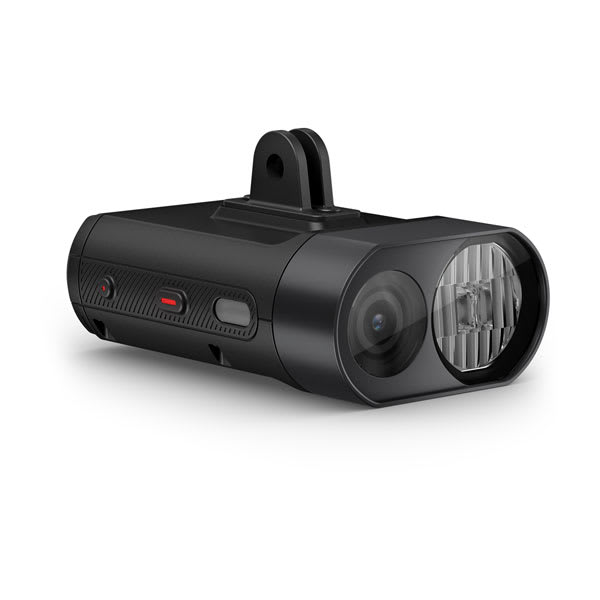
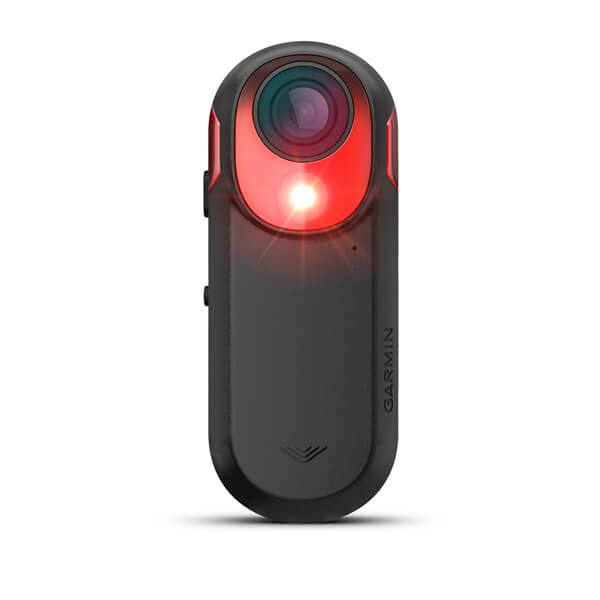
A system for importing footage from a front-facing Garmin Varia Vue and rear-facing Garmin Varia RCT715, building continuous recordings, reviewing matched views and saving a selected event to a separate evidence share.
Project update
Front and rear matching has been improved.
The matching stage has been refined so that it produces more dependable links between the Varia Vue and Varia RCT715 timelines, reducing avoidable rear-only results.
This is an improvement rather than a claim that every pair is now correct. When the available timing evidence is still uncertain, the event remains marked as rear-only instead of being forced into a potentially misleading match.
Future project changes will be recorded with a visible date, time and time zone.The problem
Two cameras create plenty of footage—and plenty of manual work.
The front-facing Garmin Varia Vue and rear-facing Garmin Varia RCT715 record a ride as a sequence of small files and reuse the same filenames. Reviewing one incident can mean copying two sets of files, reconstructing the ride, finding the right times and working out whether the views belong together.
This project is designed to remove most of that handling. The server takes care of import and organisation, the processing pipeline looks for useful events, and a private web interface makes the results easier to review.
End-to-end workflow01 → 06
Plug in. Build the ride. Find the event. Keep the evidence.
- 01Connect a cameraUSB detection
The server recognises each configured Garmin device by its storage identity.
- 02Import safelyCopy + verify
Files are organised by camera and date, then checked before the source is cleared.
- 03Build the full rideJoin, no re-encode
The camera’s short MP4 files become one continuous working recording.
- 04Detect and alignFront + rear
Candidate events are found, then compatible camera timelines are matched.
- 05Review the resultPrivate web view
Paired clips and rear-only events are shown chronologically alongside full originals.
- 06Preserve a momentEvidence share
The selected time is extracted again from the original front and rear recordings.
Inside the review toolRepresentative data
A private website for reviewing the ride from import to evidence.
The internal interface keeps the processing results in one place. It shows paired and rear-only passes in time order, provides read-only access to each full camera recording, and lets a reviewer mark the exact moment that should be extracted from the original files.
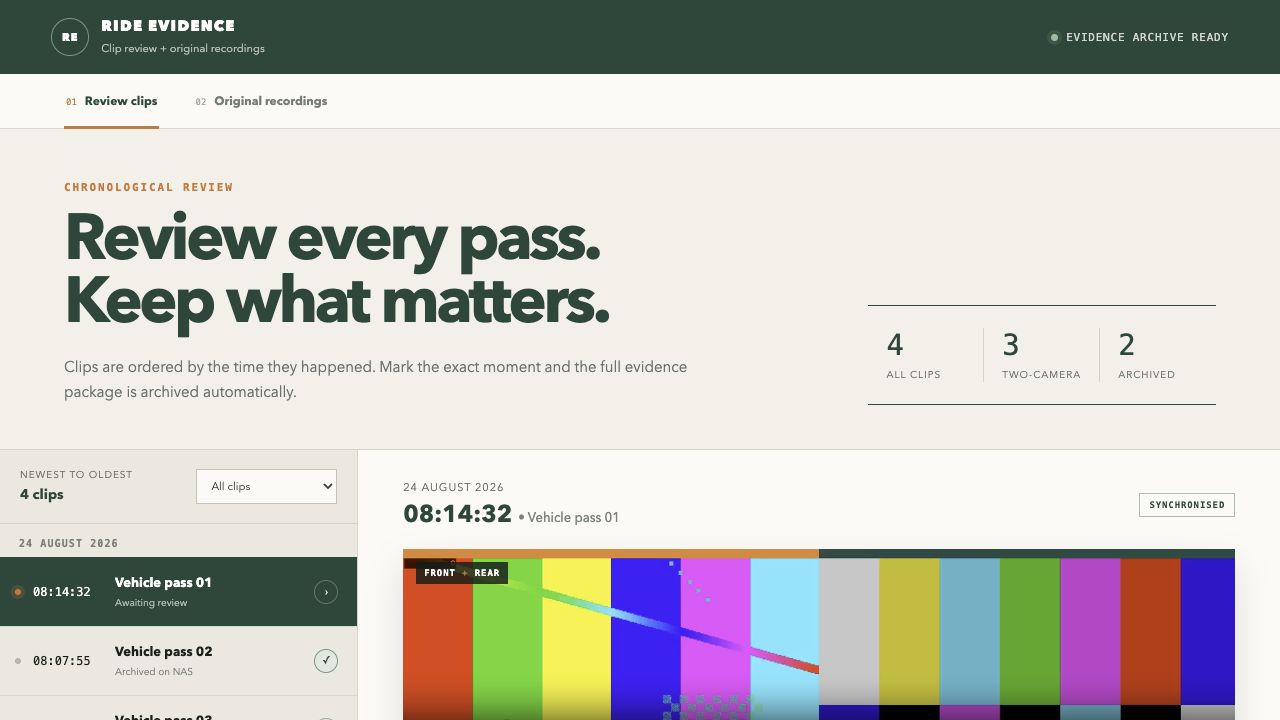
Candidate clips appear chronologically. A clear status identifies synchronised front-and-rear results, completed exports and rear-only events that could not be matched confidently.
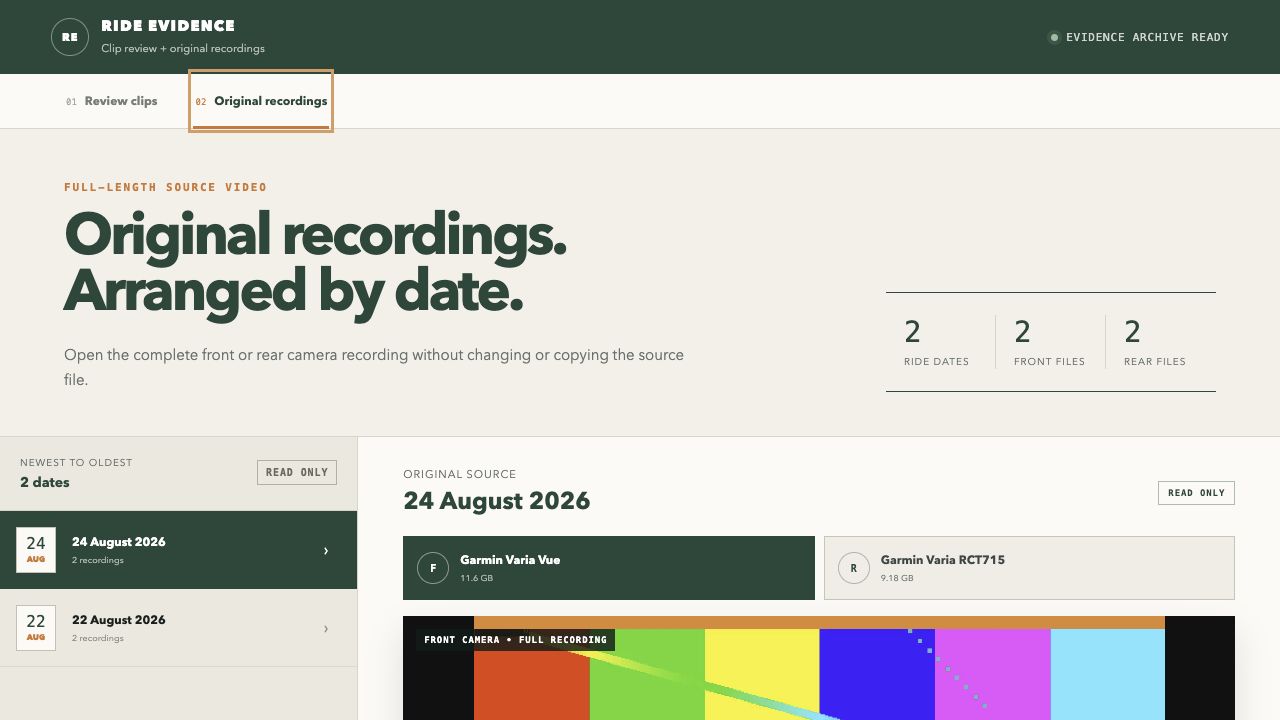
The complete Varia Vue and Varia RCT715 source files remain available by date in a read-only view.
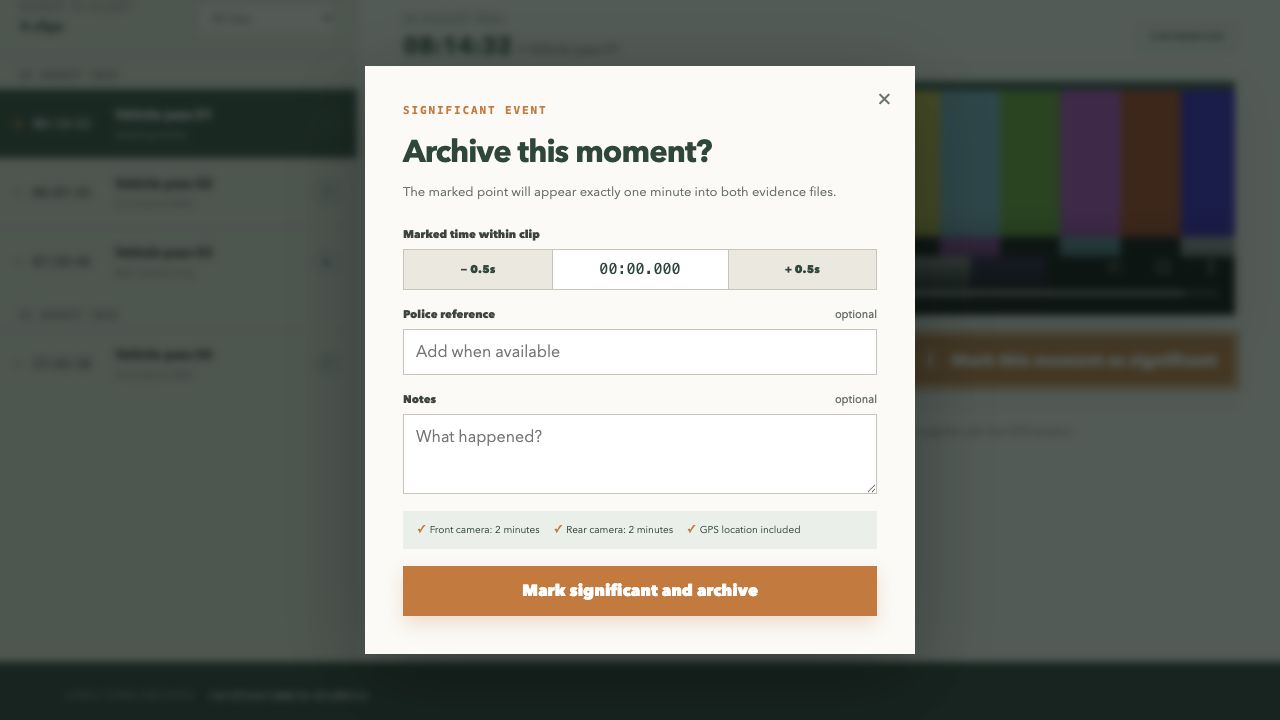
The selected player time becomes the centre of separate two-minute front and rear evidence clips, with optional notes and a reference.
Automatic server import
The filing starts when the camera reaches the USB port.
The Linux server is configured to recognise the Varia Vue and Varia RCT715 independently. Plugging one in starts its own import job: the device is mounted, its video files are found, and recording timestamps are read so that everything lands in the correct camera and ride-date folder.
Garmin can reuse names such as GRMN0001.MP4, so imported files receive unique names. Copies are written safely, checked against the source size and retried if needed. Empty tail files are ignored, and successful imports can clear the camera ready for the next ride.
Why combine the files?
A stable source for seeking, matching and extracting.
Each camera’s clips are joined in sequence into a single large MP4. The video and audio streams are copied rather than re-encoded, making the operation quicker and avoiding an unnecessary generation of quality loss.
These continuous recordings become the working sources for video processing and make it much easier to reconstruct a selected time later.
Matching the two viewsCurrent reality
Useful now, but not perfect.
The processing pipeline detects likely vehicle events independently in the forward- and rear-facing recordings. It then uses the cameras’ displayed clocks, their stable timing difference and the physical handoff of a passing vehicle to decide which events belong together.
When confidence is high enough, the interface presents both views as one synchronised review clip. When it is not, the system deliberately avoids inventing a match.
The latest matching changes have increased the number of dependable two-camera results while keeping that cautious fallback.
Review to evidence
The combined view finds the moment. The originals create the export.
Selecting a significant moment does not simply save the review preview. The worker returns to the full-length front and rear recordings and cuts a separate two-minute file from each original source.
What comes next
Turn more rear detections into dependable two-camera records.
- 01
Improve forward-facing detection so that more genuine rear events have a candidate front view.
- 02
Refine automatic clip selection around the most useful point in each pass.
- 03
Measure pairing coverage against reviewed rides rather than relying on isolated examples.
- 04
Keep the cautious fallback so an uncertain match stays rear-only instead of becoming misleading evidence.
- 05
Resolve the shared USB-hub fault so either camera can be connected first without crashing the RCT715.
Project status / updated